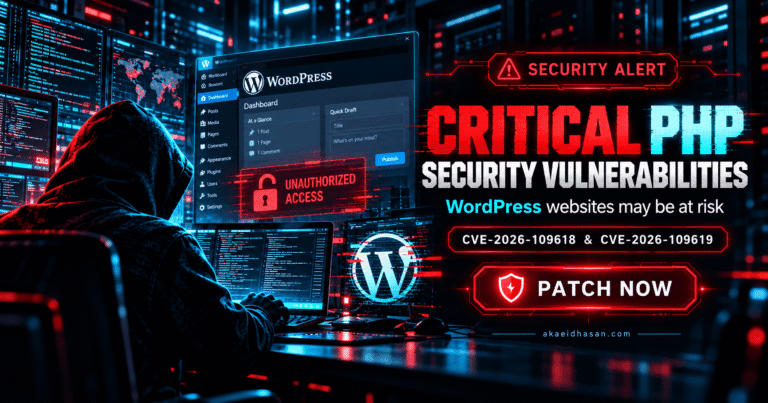
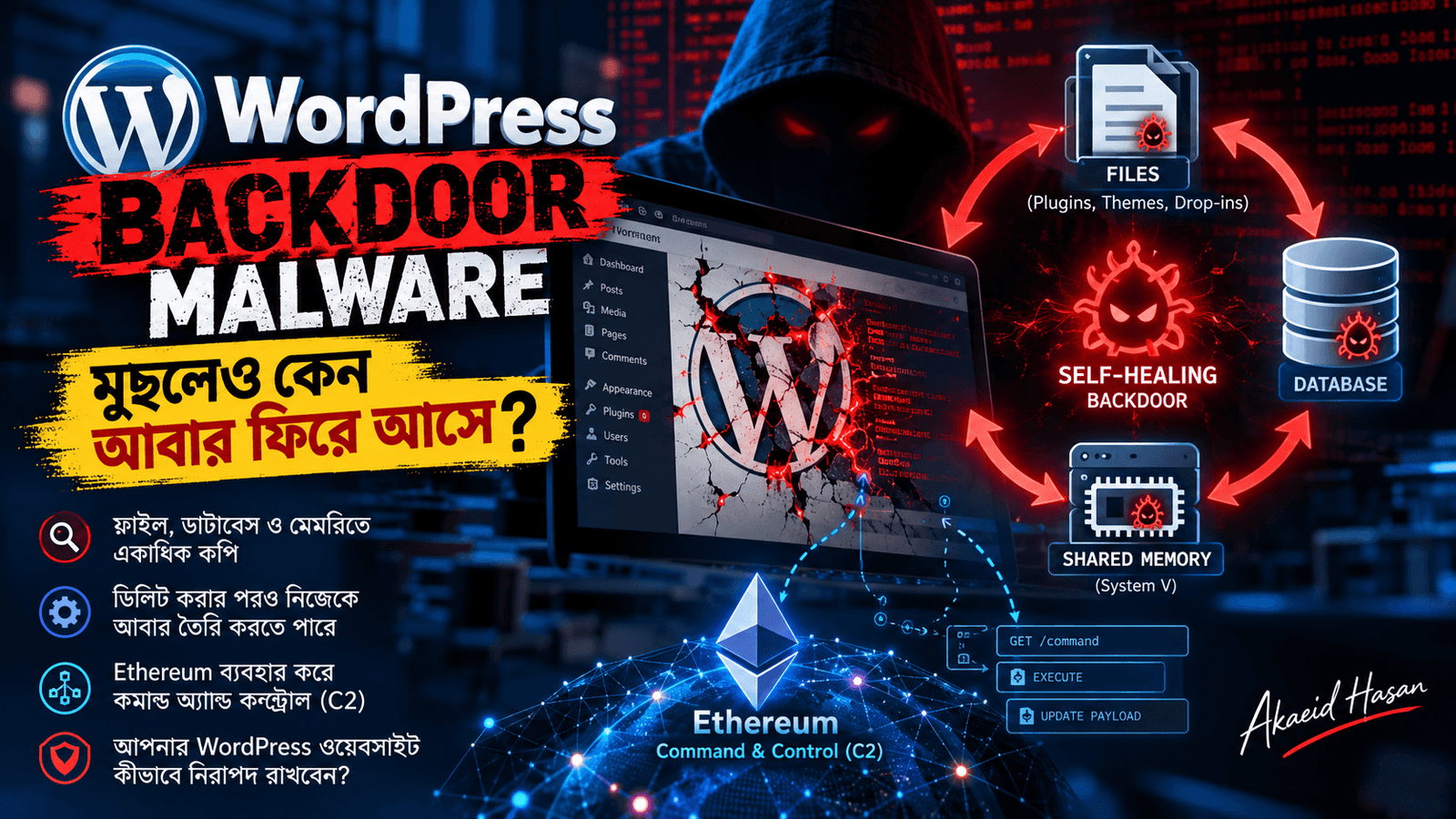
Some backdoor malware removes the visible infection but leaves hidden copies behind. The site looks clean for a few days, then the malware comes back.
Find every copy
Search the whole site for recently changed PHP files, scheduled tasks and unknown admin accounts. A cleanup that checks only the homepage will miss them.
Close the entry point
Change every admin, database and hosting password. Update the CMS core, modules and templates, and remove anything that is no longer used.
Keep a clean backup
Store a backup from before the infection and compare it with the current files to confirm the cleanup.
 or call +8801720514433 for CMS development and support. This image showcases Jewel Khan’s custom CMS module development work and the UploadShield solution for better CMS website and Media Library management.](/wp-content/uploads/2026/10/Akaeid-Hasan-UploadShield-WordPress-Plugin-–-Image-Upload-Size-Control-768x432.png)