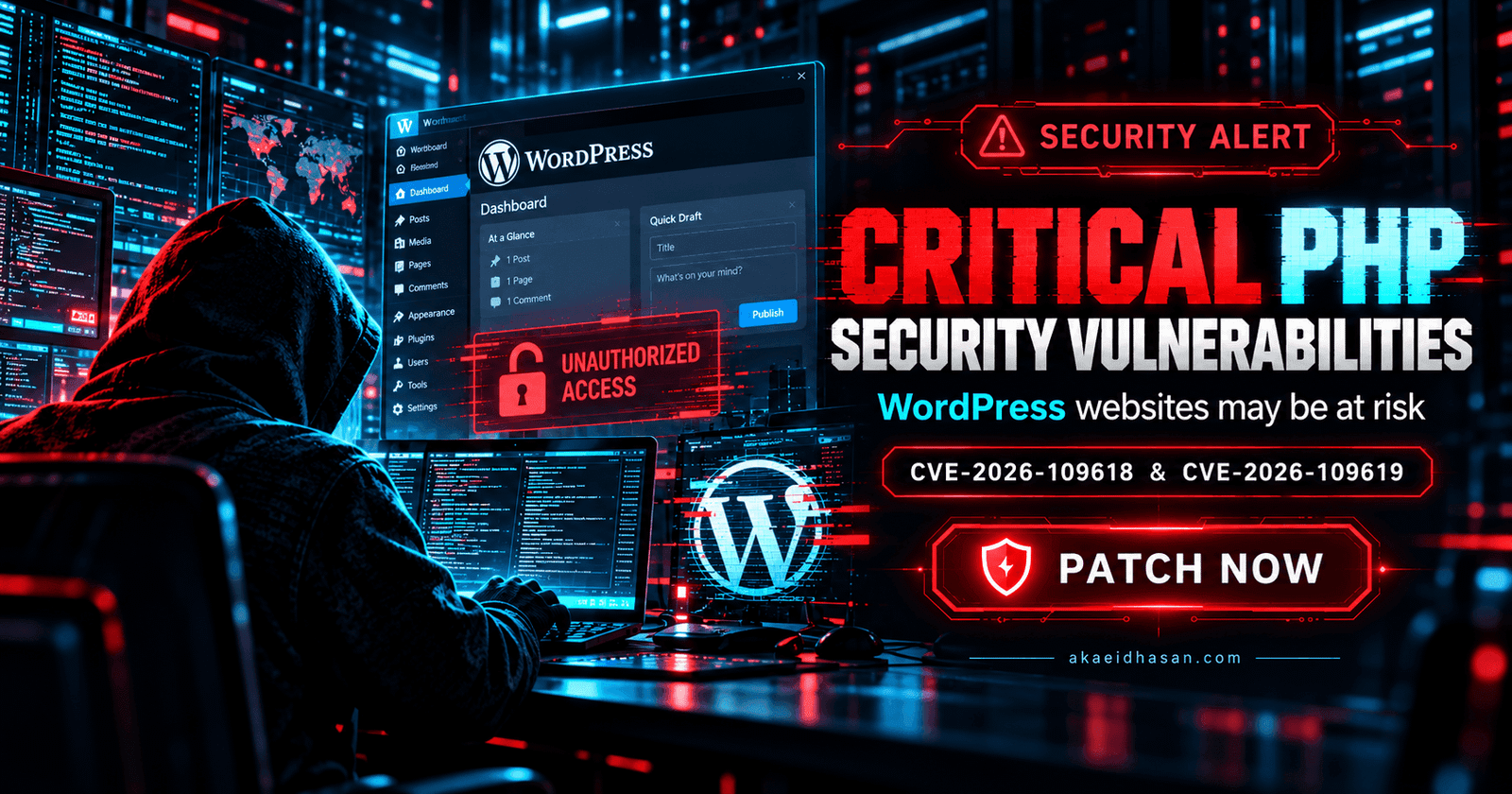
Security reports in 2026 have shown that unpatched PHP versions can expose CMS websites to attack. Owners should treat PHP updates as routine maintenance, not an optional extra.
Check your PHP version
Confirm which PHP version your server runs and whether it still receives security fixes. Plan an update to a supported version before the old one reaches end of life.
Update in a safe order
Make a full backup, update PHP on a staging copy first, test the main pages and forms, then update the live site.
Limit exposure
Remove unused modules, restrict admin access by IP or two-factor login, and monitor file changes.